
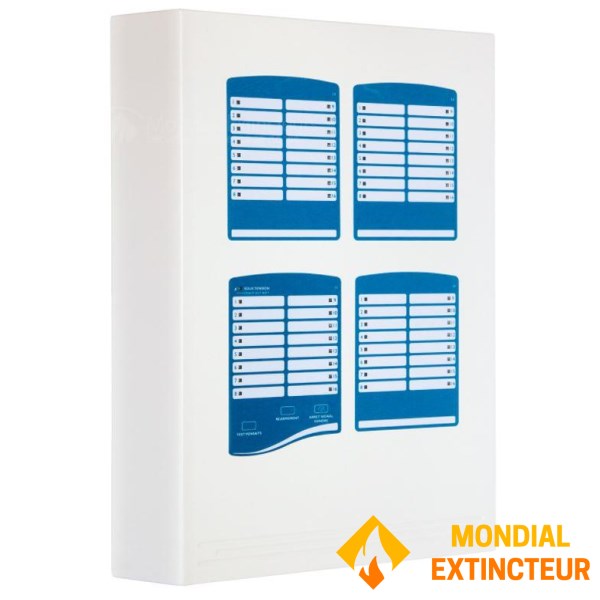
64-zone technical alarm
The technical alarm panel is used in all types of buildings (boiler rooms, elevators, equipment rooms, etc.) to signal technical faults in installations. Input information is normally open (NO) or closed (NC) potential-free contact type. Input contact type is configured via a dip switch on the back of the front panel. Each input is individually configurable.
As an option, one relay output per zone provides a potential-free NO and NC contact for high-current control. All panels feature a potential-free changeover contact and a synthesis output powered in the event of a fault.
Commissioning
1. Configure input contact type (NO or NC) using the dip switch on the back of the front panel.
2. Attach the panel and switch it on. Wait 24 hours to allow the battery to be fully charged.
How it works
1. When an input faults, an audible signal sounds and the corresponding LED flashes.
2. Press the "Stop beeper" button to acknowledge the beeper, and the LED will change to steady light.
3. When the fault disappears, it can be acknowledged by pressing "Reset".
- Reference : AT64